
01
Earn
Do one thing that counts.
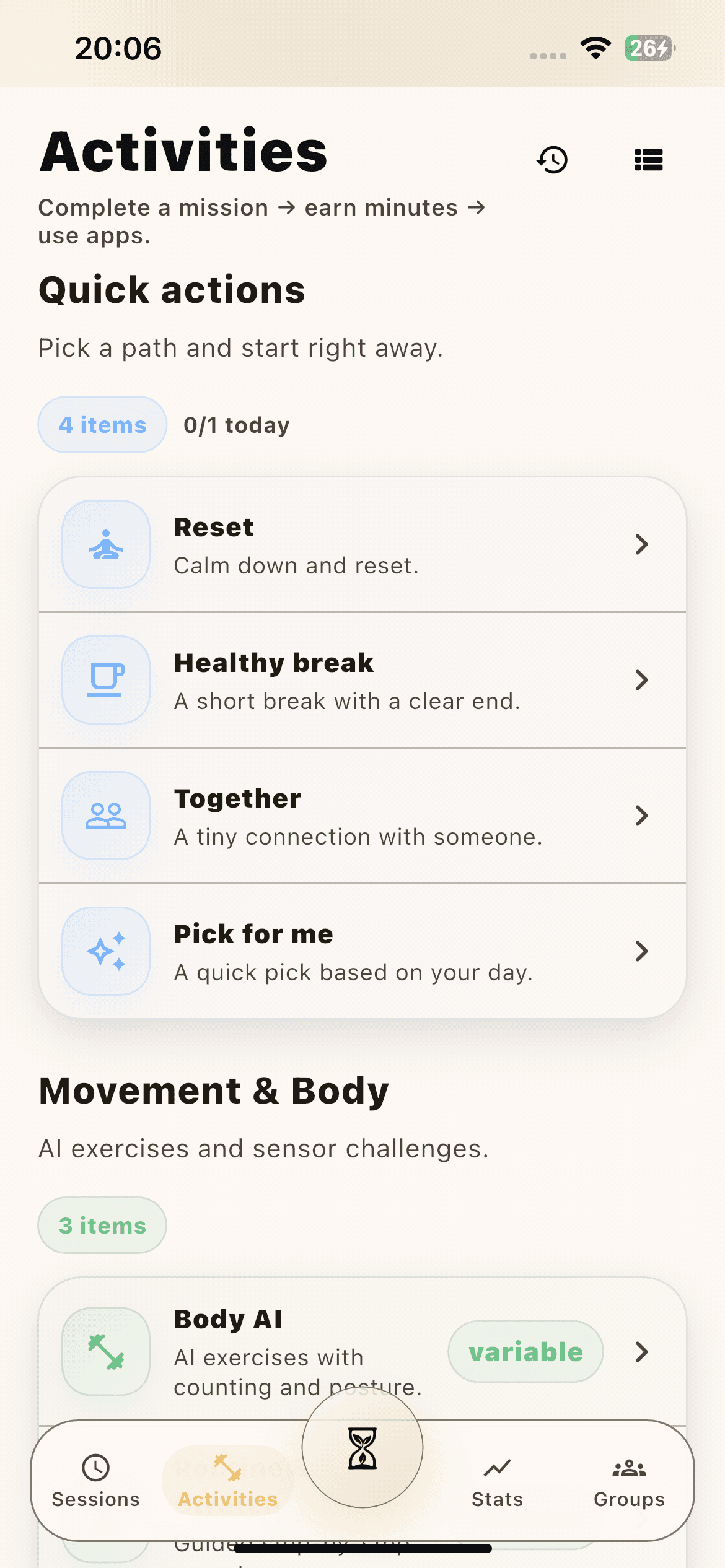
A short activity, reset, or body challenge turns intention into a visible reward instead of another promise to yourself.
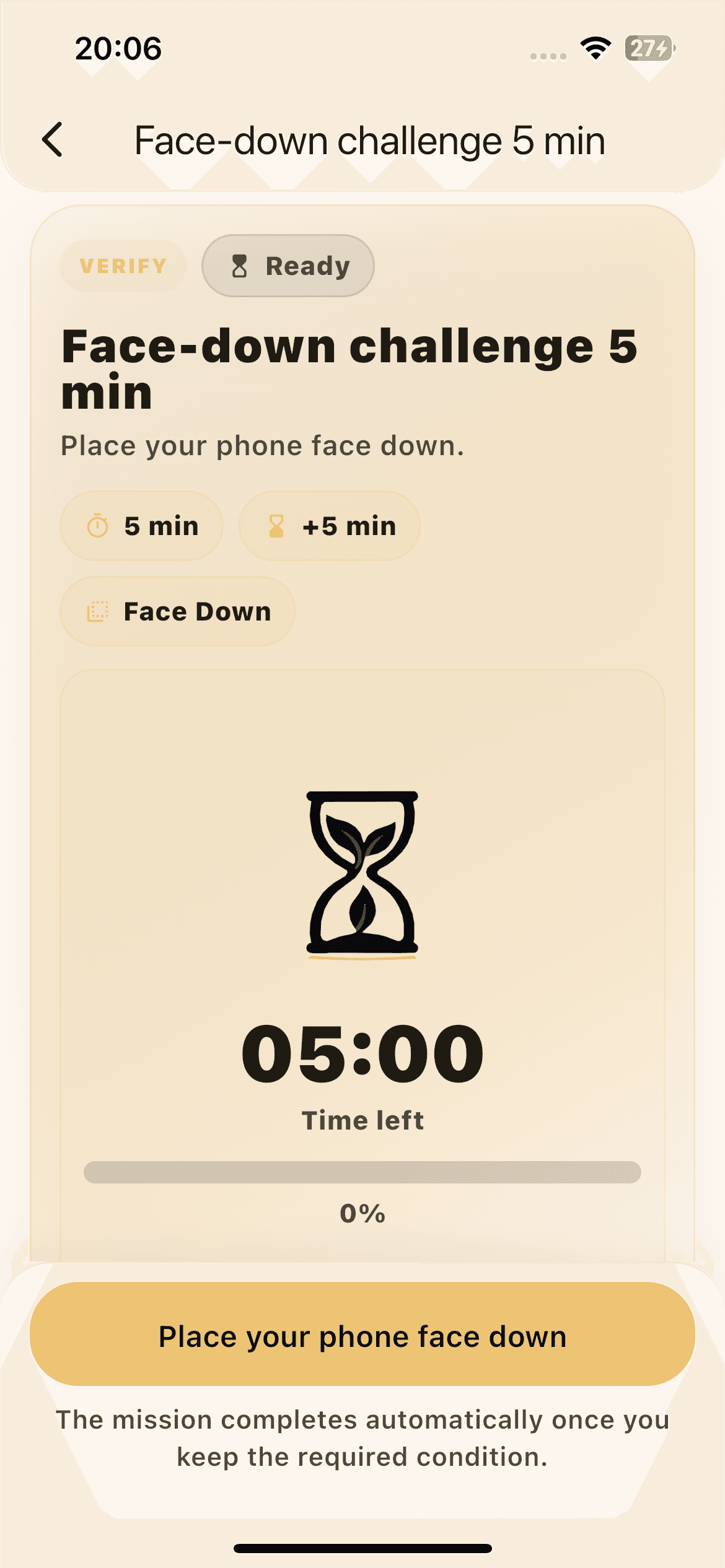
+5 minutes by default
OnFocus turns doomscrolling into a visible tradeoff. Finish a short mission, earn a few minutes, and spend them only where your attention usually disappears.
One glance
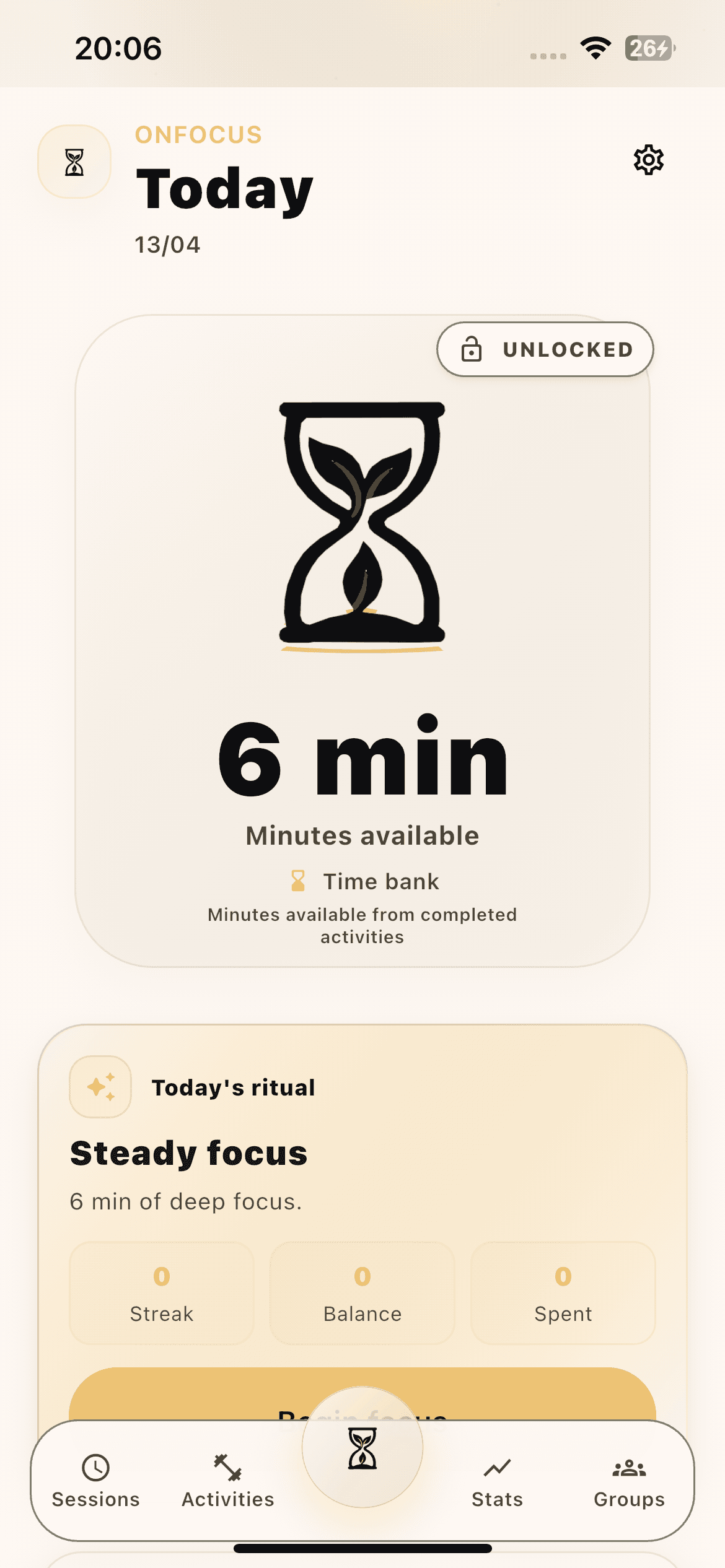
Check your balance, choose the next move, and get out.
The tradeoff stays obvious enough to follow even when your attention is already slipping.
OnFocus keeps the loop simple enough to follow in the exact moment self-control usually collapses: earn a little time, spend it where it matters, and let the limit return on schedule.
Earn
Short missions unlock a few real minutes fast.
Spend
Time burns only in the apps you marked for friction.
Repeat
The wall returns exactly when the balance ends.
Earn
A short activity, reset, or body challenge turns intention into a visible reward instead of another promise to yourself.
Spend
The bank burns only inside the apps you chose for friction, so the reward stays tied to the problem you actually want to fix.
Reset
No vague guilt, no endless timer in the background. The consequence returns exactly when the easy escape route opens again.
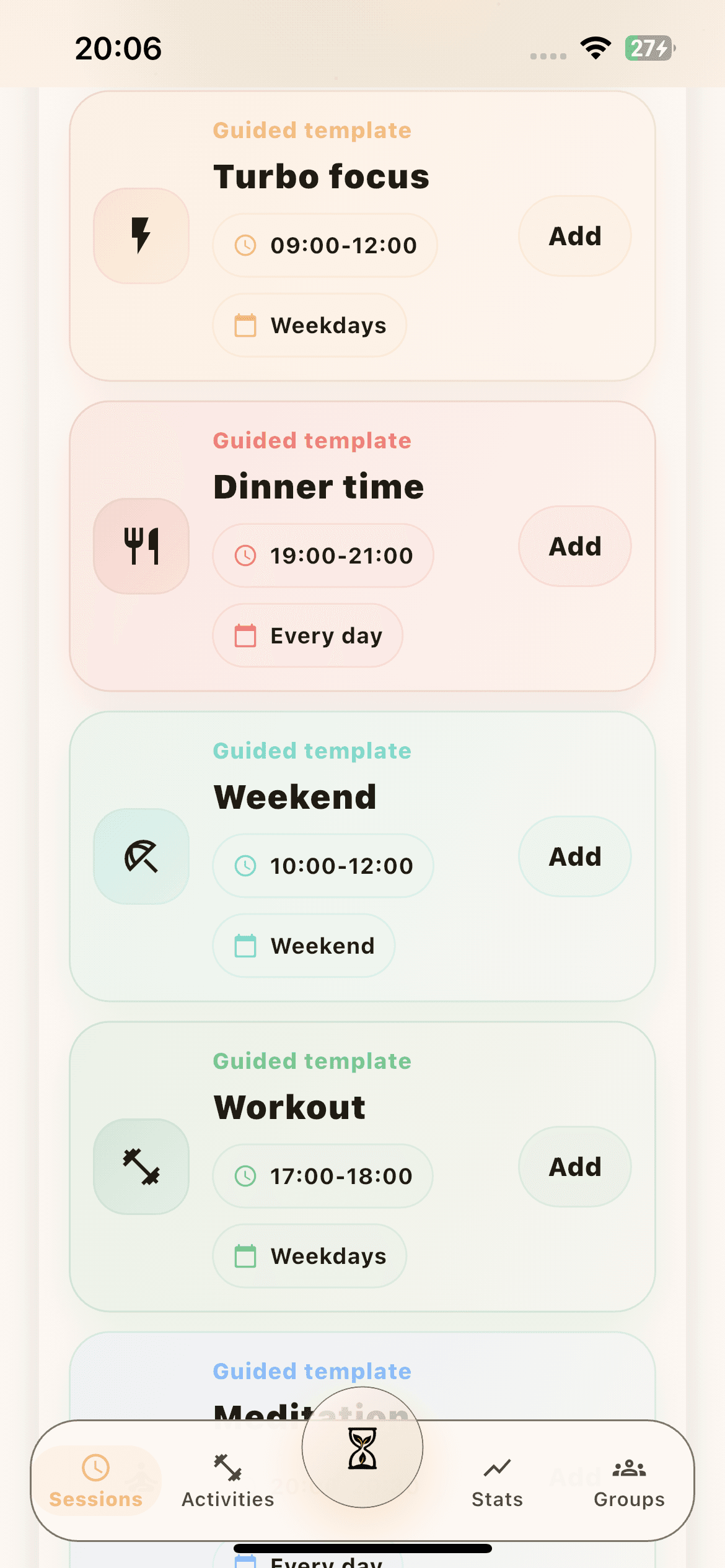
Balance, ritual, and reward live in one place. You can see what is available, what to do next, and why the next unlock exists without digging through the app.
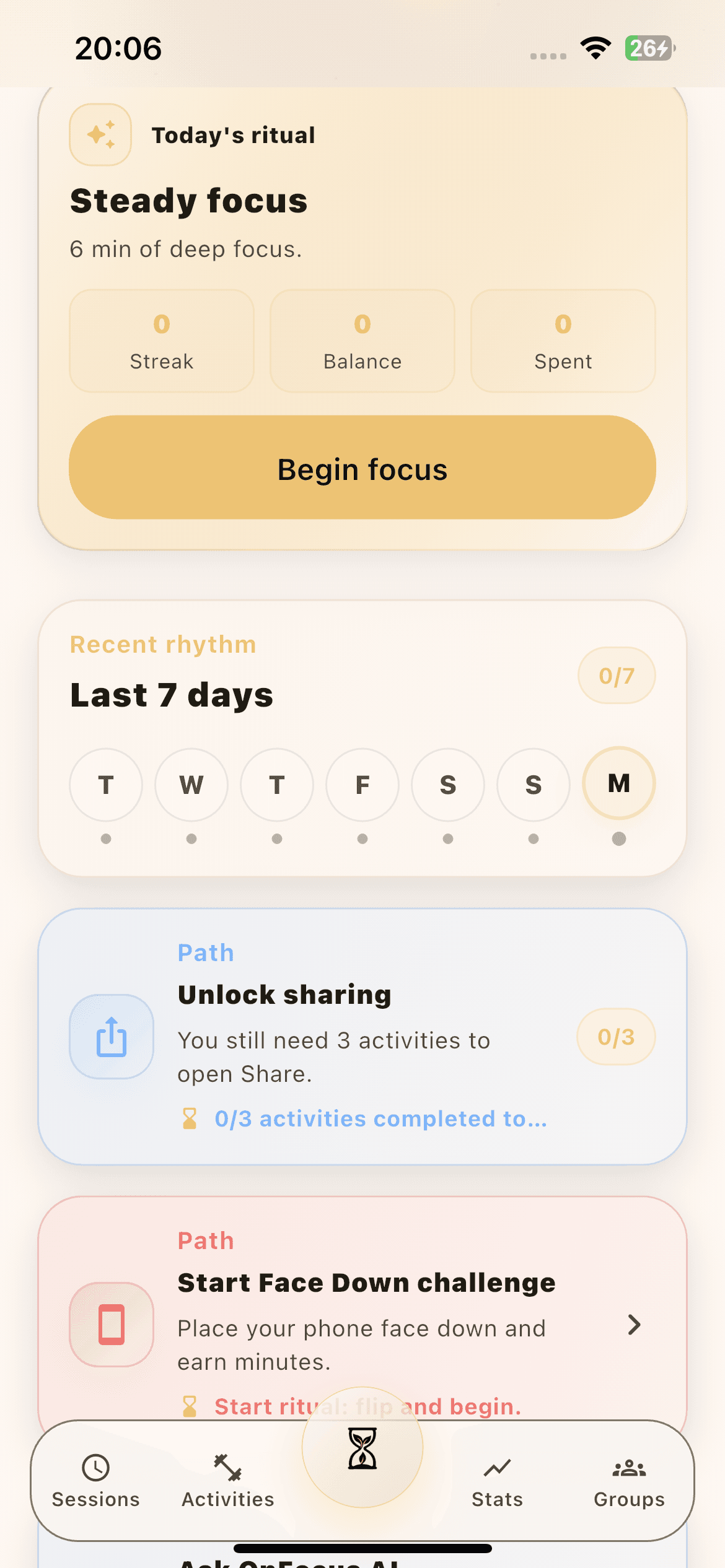
Short resets, body challenges, and AI-assisted movement give the user something concrete to do right now. The result is less abstract willpower and a faster path back to control.
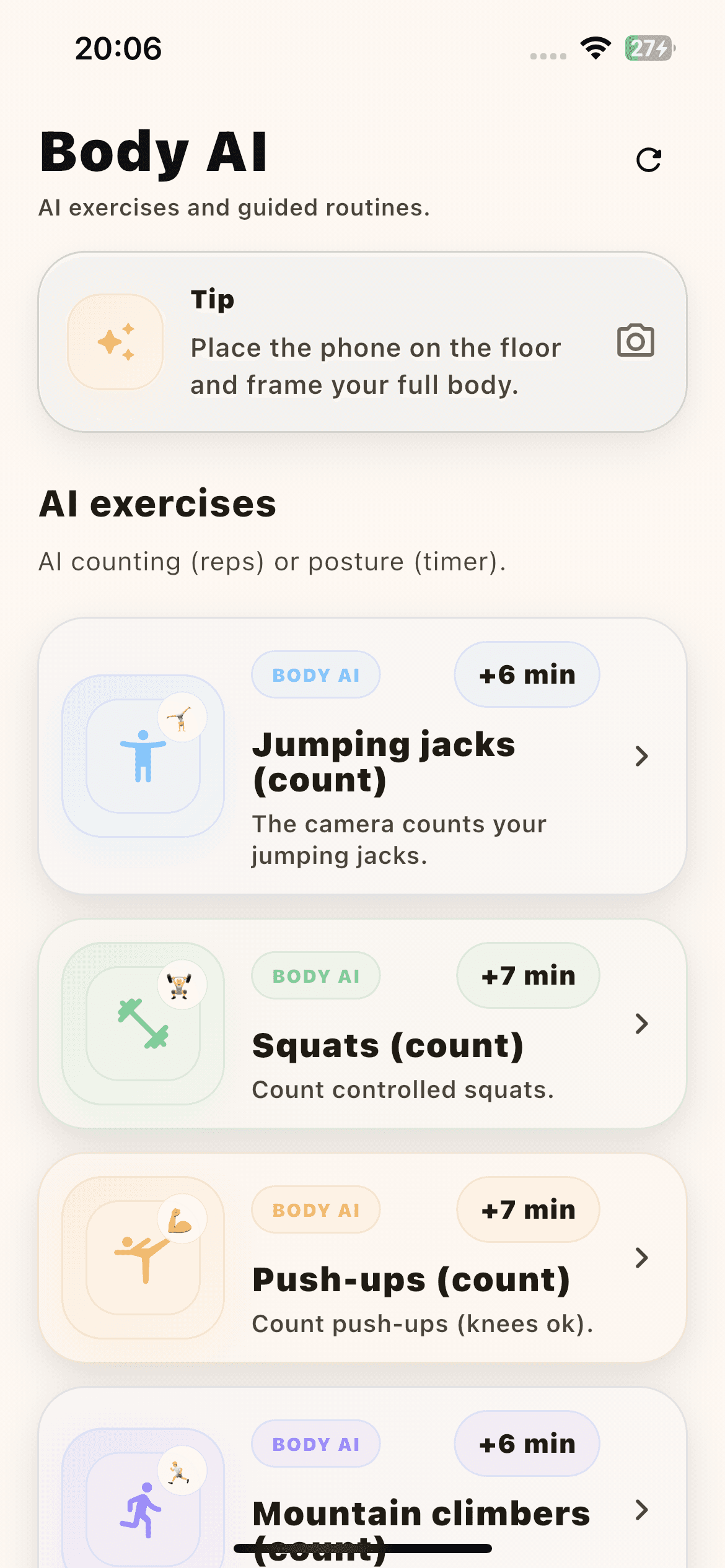
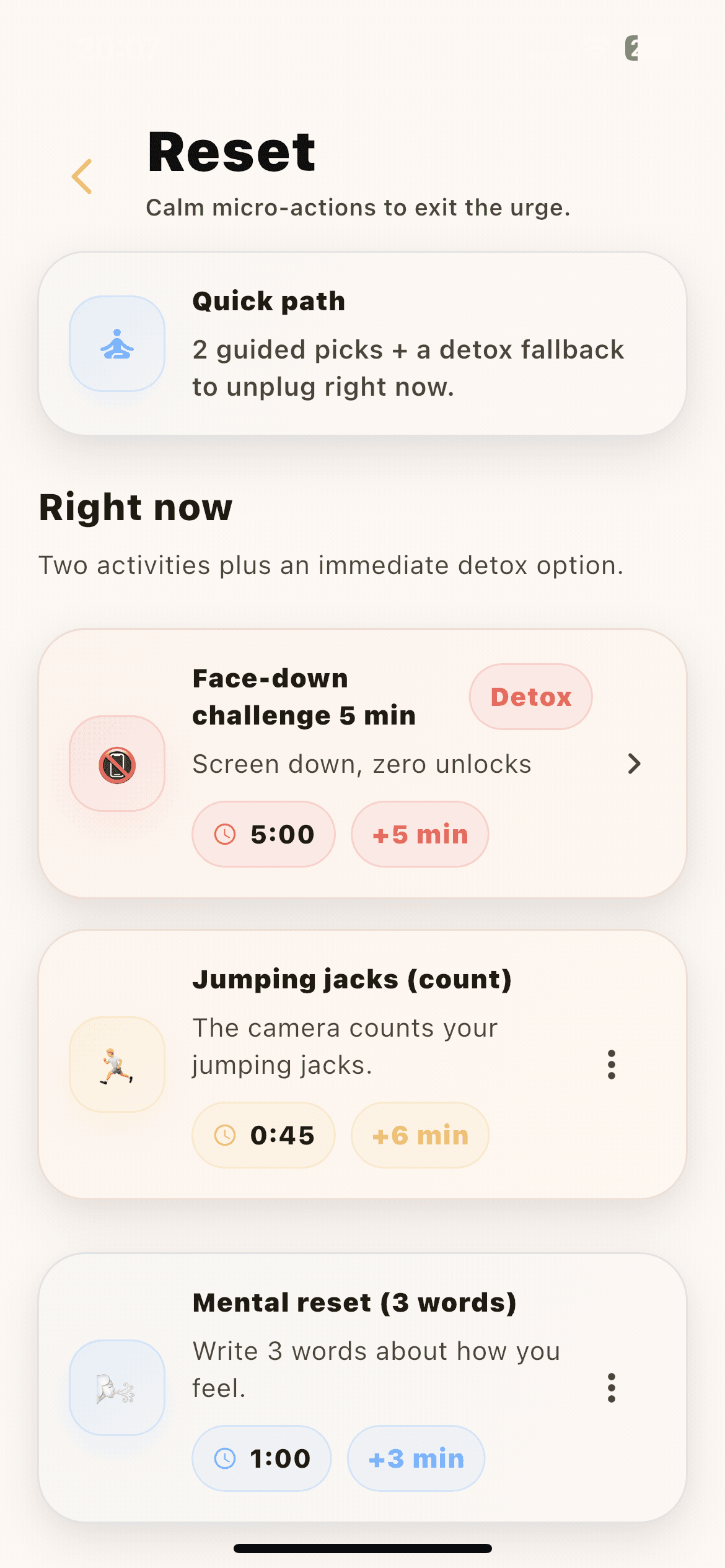
Blocking alone creates friction. Progress views create return value. Sessions, trends, and saved-time views let the user see movement over time instead of relying on memory.
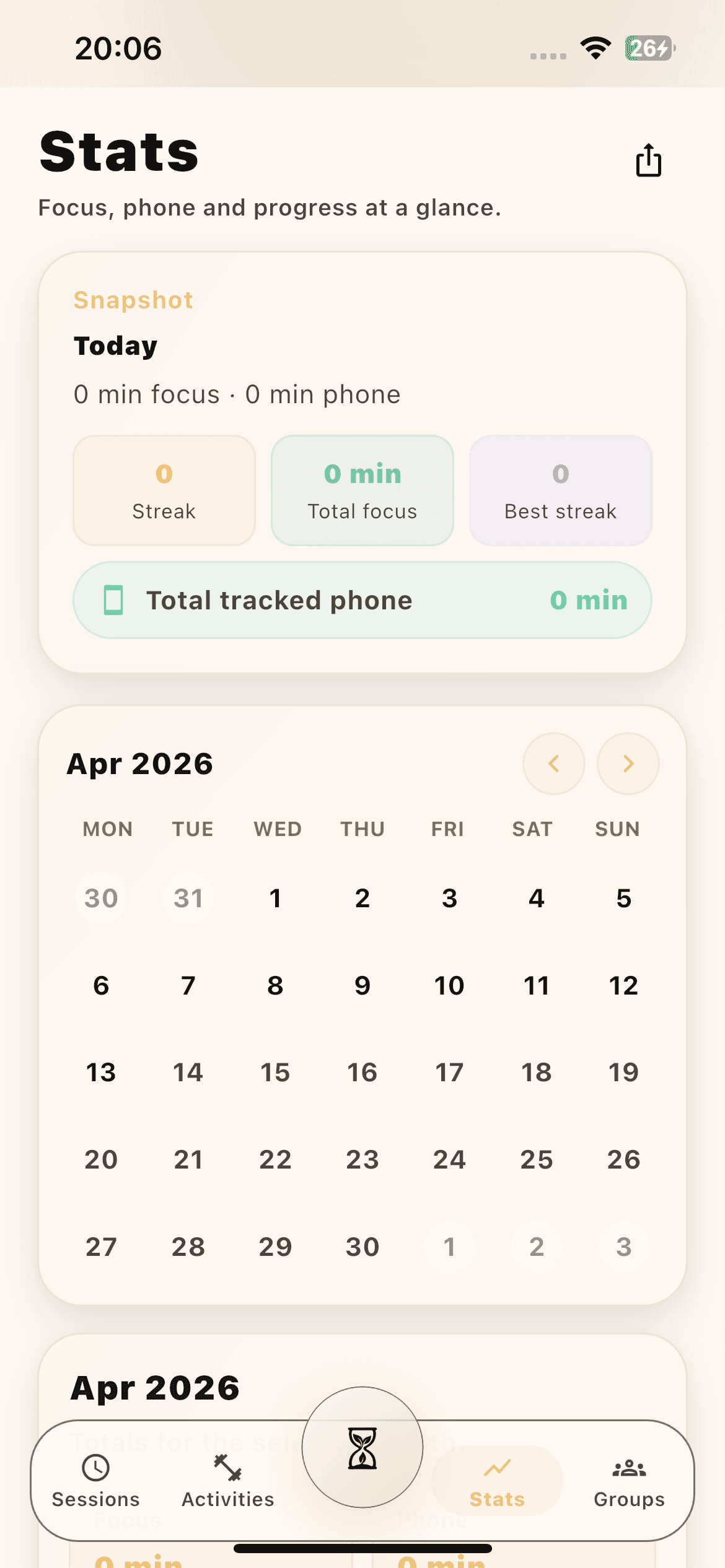
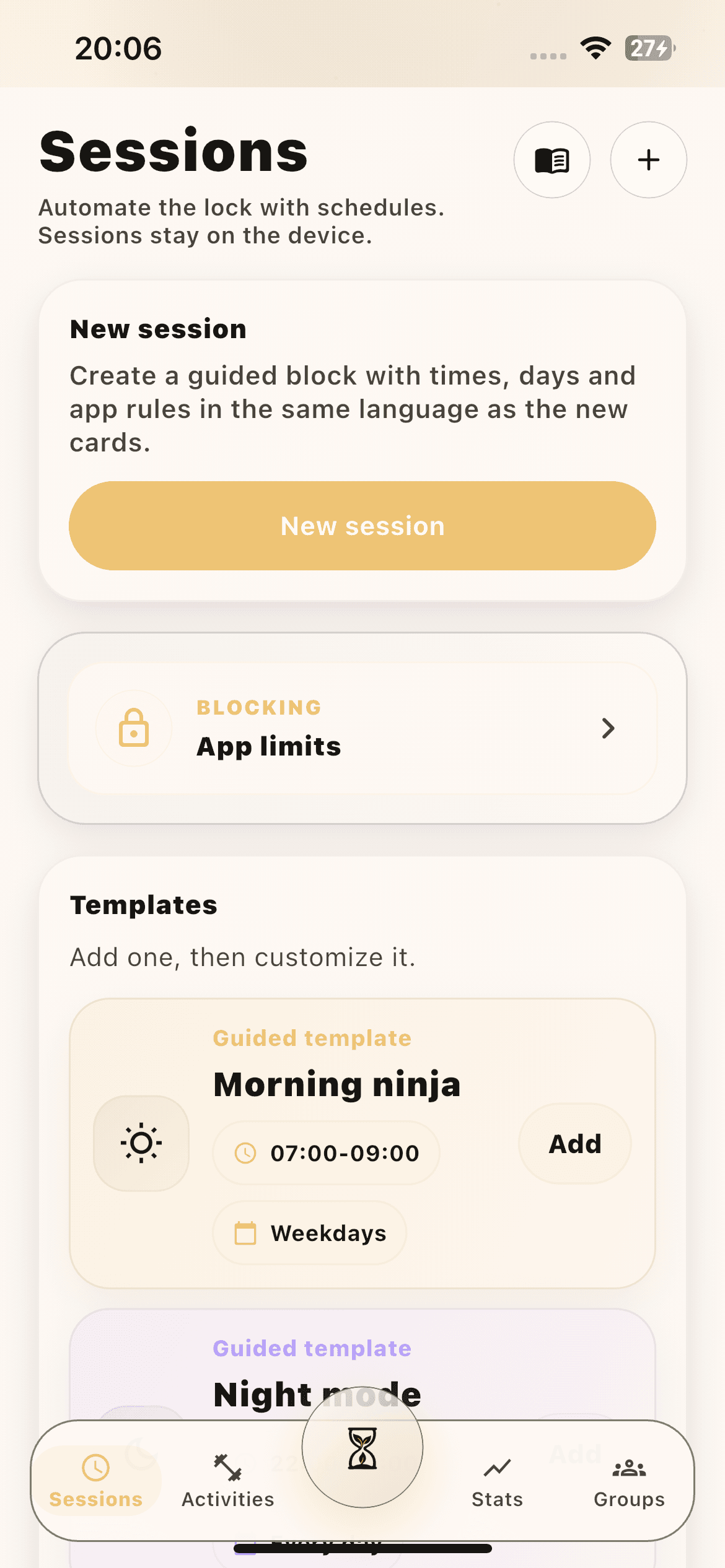
The app stays sticky because the next action is easy to begin. Timed challenges and preset activities cut decision fatigue and keep the loop moving with less hesitation.
Download the app to start earning your scroll. Questions about support, privacy, or your account? Use one inbox — no ticket maze, no generic help center.
FAQ
You complete a short mission, earn a few minutes, and spend that balance only inside the apps you chose to make expensive.
FAQ
The wall comes back. OnFocus does not keep counting down everywhere, only in the distracting apps you marked for friction.
FAQ
Because friction helps in the moment, but visible progress is what makes the user want to come back tomorrow and keep the loop alive.